显示标签为“Heavy duty diagnostic tool JPRO”的博文。显示所有博文

2023年2月8日星期三

JPRO Professional Truck Diagnostic Scan Tool FAQs

 Don’t see your question answered below? Contact us! Service@autonumen.com.
1.What does JPRO do?
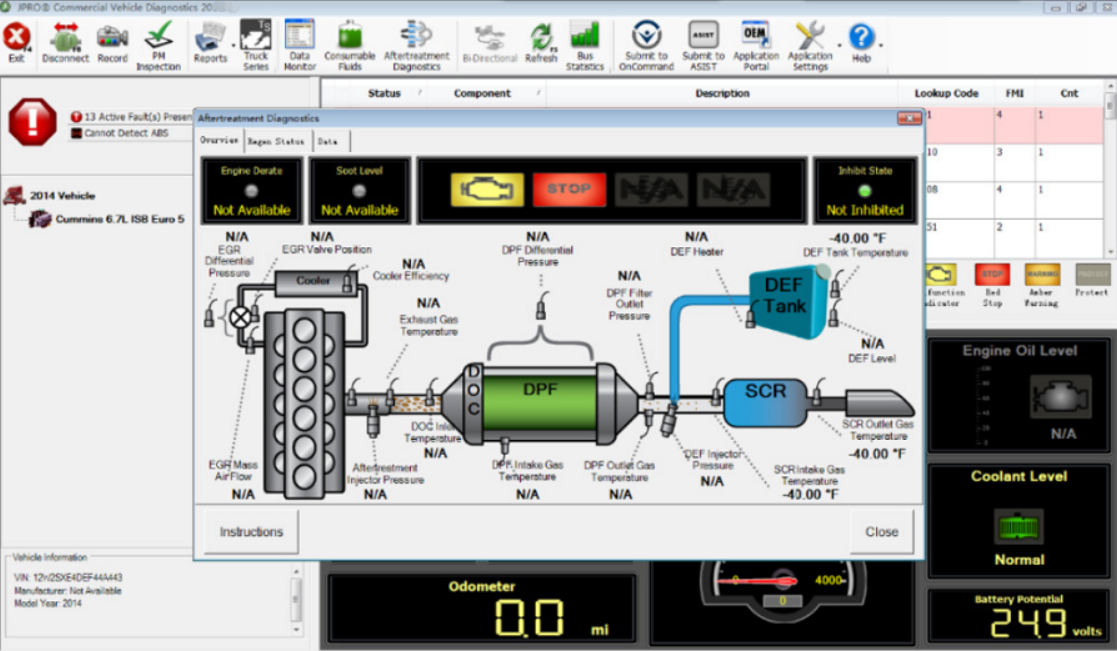
JPRO empowers diesel technicians to diagnose and repair all makes, models, and components. JPRO reduces a technician’s dependency on OEM software by offering industry-leading bi-directional controls, including DPF regens, cylinder cutouts, parameter changes, and much more.

2.What trucks will JPRO work on?
For commercial vehicles, JPRO is an all makes, models, and components solutions. For detailed information, check out our coverage chart.

3.Can JPRO adjust parameters such as road speeds or idle shutdown settings?
Yes! JPRO allows for many parameter adjustments, including max road and cruise speeds, idle shutdown, PTO, VSS, Trip Information, and more! Coverage varies by manufacturer, so please visit our coverage chart for complete details.

4.What adapters work with JPRO?
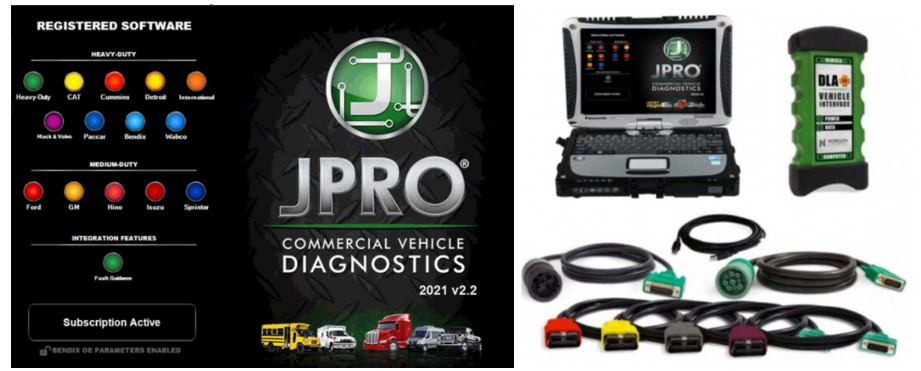
For the most reliable connection and functionality, we recommend a Noregon DLA+ 2.0 adapter but any RP1210C compliant adapter should work with JPRO.

5.If I buy JPRO, do I need anything else?
JPRO software requires a compatible Windows based PC, laptop, or tablet, RP1210C compliant adapter, and the appropriate cable that connects the computer to the vehicle’s OBD-II, 9-pin, or 6-pin port.

PLEASE NOTE: JPRO’s HD support for Mack and Volvo only supports the following adapters: • Noregon DLA+, DLA+ Wireless, DLA+ 2.0, DLA+ 2.0 Wireless, and DLA+ PLC • Vocom 88890300NEXIQ USB-Link, USB-Link 2

PLEASE NOTE: Ford, GM, Isuzu or Sprinter mediud-duty vehicle require any of the following adapters for connection: Noregon DLA+, DLA+ Wireless, DLA+ 2.0, DLA+ 2.0 Wireless

6. Do I need internet access for JPRO?
An internet connection is not necessary for connecting to the vehicle, or for using many features in JPRO, but certain tools like Fault Guidance and NextStep Repair require an active connection. Additionally, setup, updates, license verification, or submission of information to third-party warranty systems require internet access.

7. Can JPRO perform bi-directional vehicle tests?
Yes! JPRO comes loaded with industry-leading bi-directional tests for the makes and models you commonly repair. For a full list of included tests, visit our coverage chart.

8. Can JPRO perform ECU programming?
Due to security and safety concerns, JPRO does not allow users to reprogram ECUs.

9.Does JPRO support OBDII?
Yes.

10. What kind of computer and operating system do I need to run JPRO?
Supported Operating Systems:
Windows 8 and 8.1 Pro (32 or 64 bit English, 32 bit Spanish)
Windows 10 (32 or 64 bit English, 32 bit Spanish)
Hardware Requirements:
Minimum: 4GB RAM, 20 GB of available hard drive space, Intel Core i3 processor, and 1024×768 sized monitor
Recommended: 8GB RAM, 20 GB of available hard drive space, Intel Core i5 processor
USB port for Noregon DLA+ or DLA+ 2.0 adapter
Noregon recommends using a Panasonic Toughbook, but JPRO will work on any current PC running Windows 8 or Windows 10

11.Does JPRO work internationally?
JPRO is designed to work on vehicle utilizing communication protocols used in North American manufacturing standards. These protocols include:

Support for heavy-duty SAE J1587/J1708, J1939, ISO 15765, and KWP2000 messages
Support for reading and display of HD-OBD Emissions faults in standard fault display
Medium Duty support for reading emissions faults and data from all standard US OBD vehicles since 2007
Support for medium-duty ISO 15765, IS 14229, J1850, GMLAN (CAN-based), and KWP2000 (CAN-based) messages
If you have other questions or you want to purchase the JPRO, please log in our website and contact the sellers: https://www.autonumen.com/goods-7190-JPRO-Professional-Truck-Diagnostic-Scan-Toolbox-Plus-lenovo-T420-laptop.html .
2021年5月7日星期五

JCB Electronic Service tool Heavy Duty Truck Diagnostic Scanner with JCB Service Master 4 V17.0


JCB Electronic Service tool Heavy Duty Truck Diagnostic Scanner with JCB Service Master 4 V17.0

1. Software Version: V1.7.0(At the same time, we also have the old V8.1.0 and V1.45.3 software, we can also provide if you need)
2. Language:English, French, German, Italian, Portuguese, Spanish
3. Update By Email

Description:
You can reset EMS hours, edit speed limiters and use other functions what require special unlock.

JCB Service Master is a gateway application allowing a large number of Vehicle Support Applications to be linked using one familiar interface. The interface acts as a graphical tool for selecting the target vehicle from a groups of Vehicle Families and triggering the particular Service Tool Application desired. This removes the need for a user to ‘remember’ every individual service tool available and select which one if intended for a particular machine.

The JCB Service Master also provides several key features that will accompany all JCB projects, a Multi Language editing tool that provides a means of individual text string translation for all JCB Applications and a means to select a localised language translation for the each JCB Application.

Package including:
1.Data Link Adapter
2.USB cable
3.9-pin Deutsch adapter
4.8-pin cable
5.CB ServiceMaster4

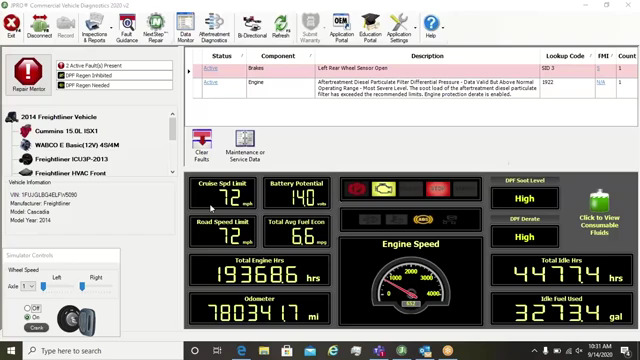
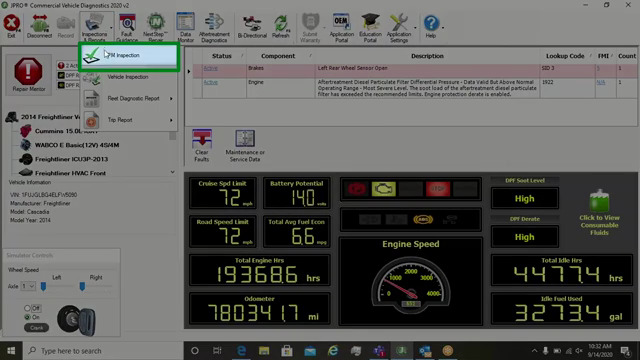
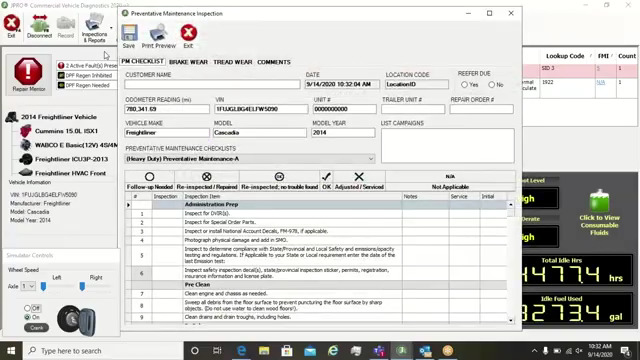
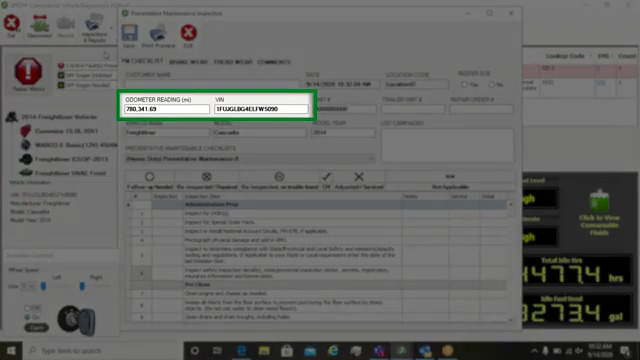
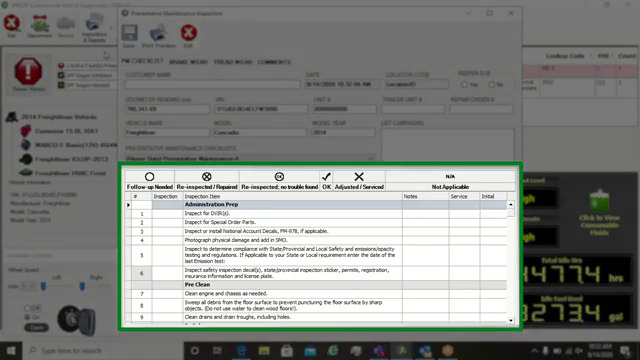
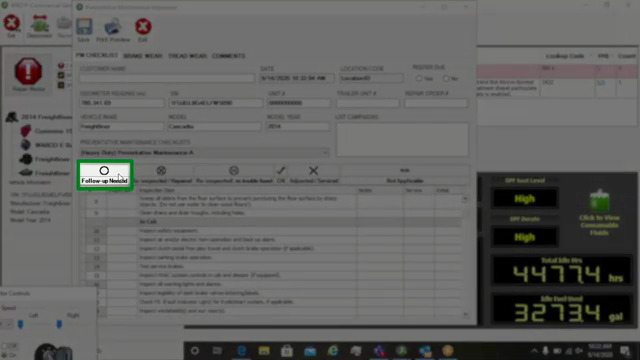
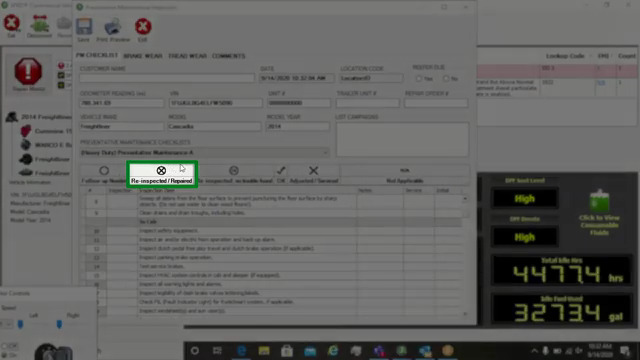
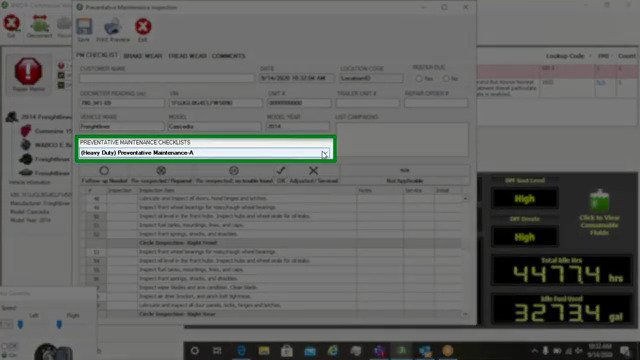
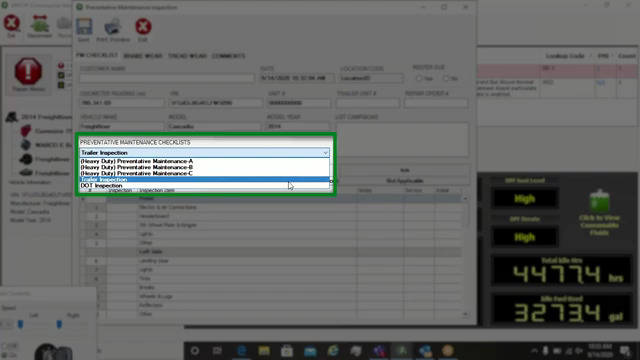
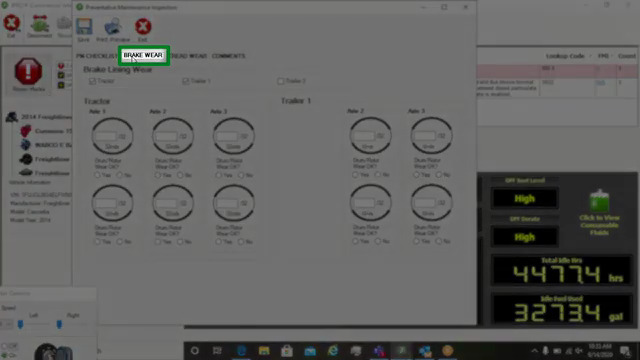
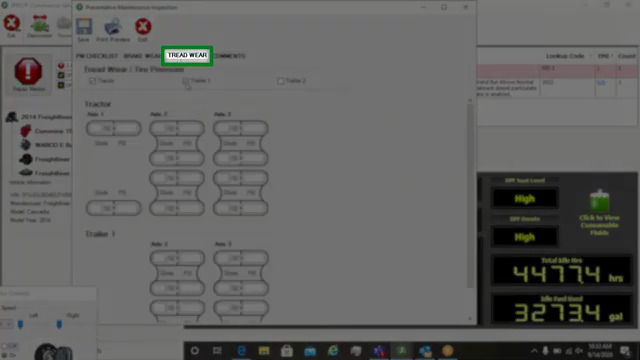
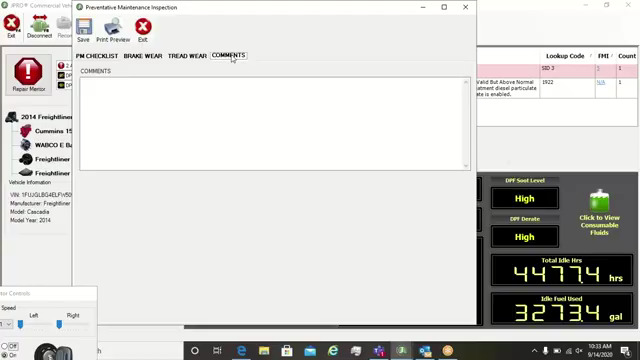
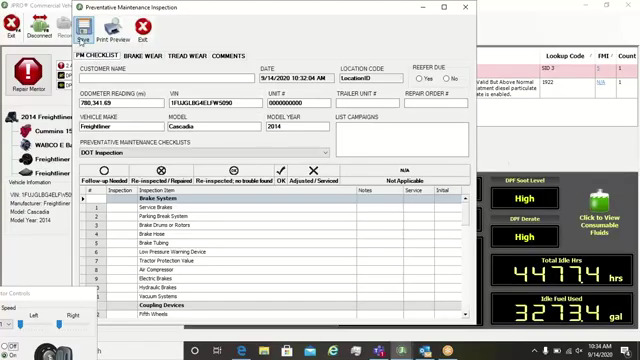
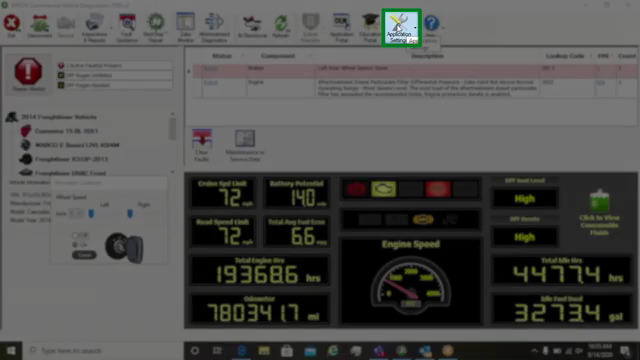
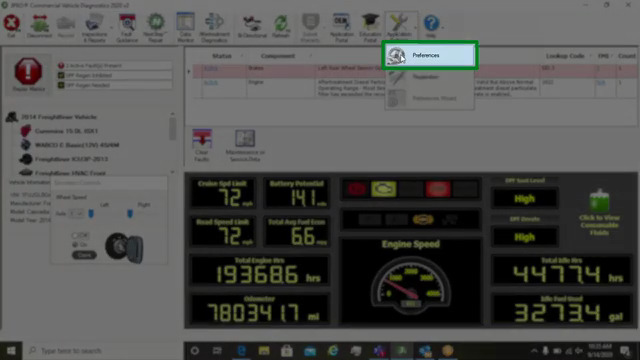
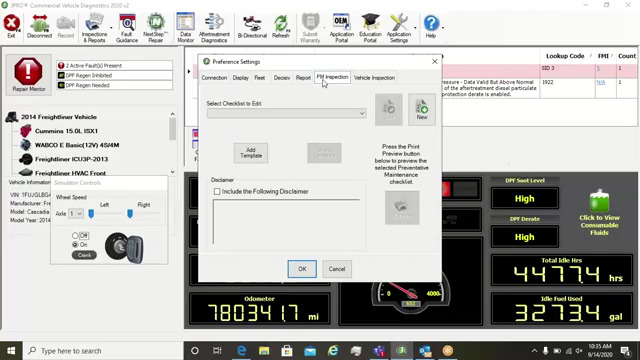
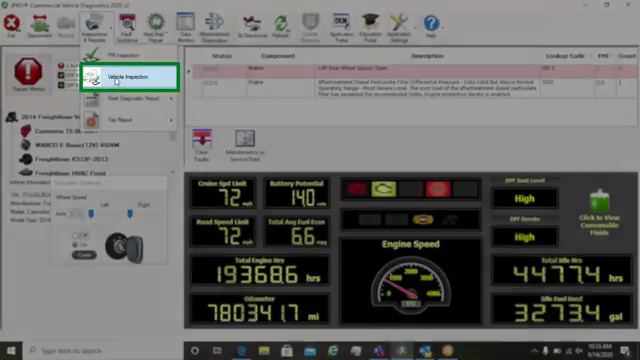
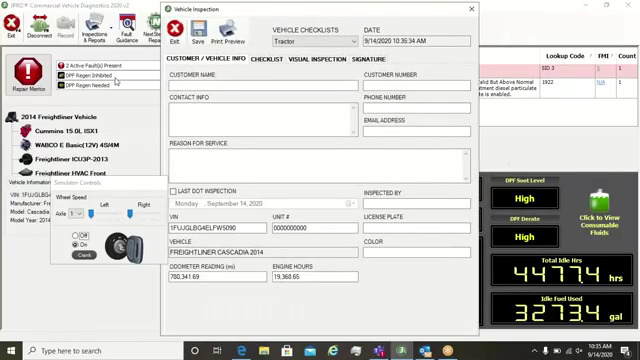
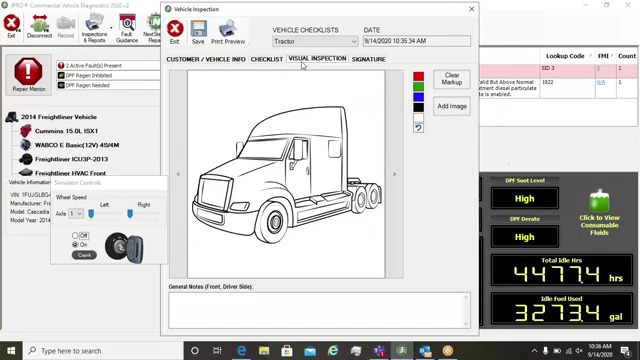
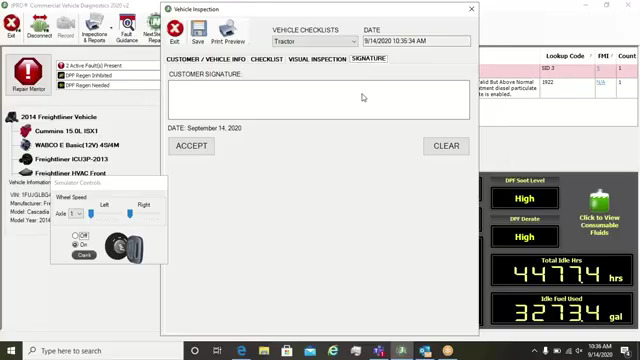
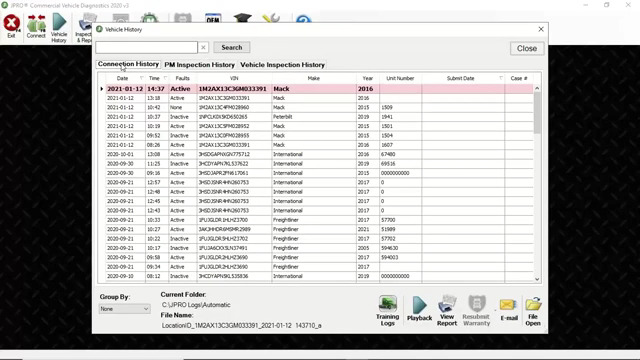
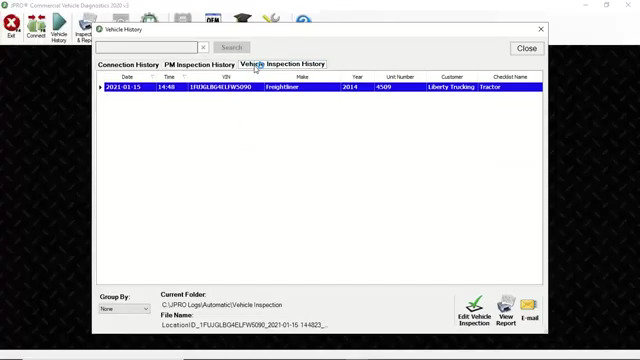
PM and Vehicle Inspection
12. JCB Electronic Service tool Heavy Duty Truck Diagnostic Scanner with JCB Service Master 4 V17.0  -1

12. JCB Electronic Service tool Heavy Duty Truck Diagnostic Scanner with JCB Service Master 4 V17.0  -2 12. JCB Electronic Service tool Heavy Duty Truck Diagnostic Scanner with JCB Service Master 4 V17.0  -3 12. JCB Electronic Service tool Heavy Duty Truck Diagnostic Scanner with JCB Service Master 4 V17.0  -4

12. JCB Electronic Service tool Heavy Duty Truck Diagnostic Scanner with JCB Service Master 4 V17.0  -5

12. JCB Electronic Service tool Heavy Duty Truck Diagnostic Scanner with JCB Service Master 4 V17.0  -6 12. JCB Electronic Service tool Heavy Duty Truck Diagnostic Scanner with JCB Service Master 4 V17.0  -7 12. JCB Electronic Service tool Heavy Duty Truck Diagnostic Scanner with JCB Service Master 4 V17.0  -8 12. JCB Electronic Service tool Heavy Duty Truck Diagnostic Scanner with JCB Service Master 4 V17.0  -9 12. JCB Electronic Service tool Heavy Duty Truck Diagnostic Scanner with JCB Service Master 4 V17.0  -10

12. JCB Electronic Service tool Heavy Duty Truck Diagnostic Scanner with JCB Service Master 4 V17.0  -11 12. JCB Electronic Service tool Heavy Duty Truck Diagnostic Scanner with JCB Service Master 4 V17.0  -12 12. JCB Electronic Service tool Heavy Duty Truck Diagnostic Scanner with JCB Service Master 4 V17.0  -13 12. JCB Electronic Service tool Heavy Duty Truck Diagnostic Scanner with JCB Service Master 4 V17.0  -14 12. JCB Electronic Service tool Heavy Duty Truck Diagnostic Scanner with JCB Service Master 4 V17.0  -15

12. JCB Electronic Service tool Heavy Duty Truck Diagnostic Scanner with JCB Service Master 4 V17.0  -16 12. JCB Electronic Service tool Heavy Duty Truck Diagnostic Scanner with JCB Service Master 4 V17.0  -17 12. JCB Electronic Service tool Heavy Duty Truck Diagnostic Scanner with JCB Service Master 4 V17.0  -18 12. JCB Electronic Service tool Heavy Duty Truck Diagnostic Scanner with JCB Service Master 4 V17.0  -19 12. JCB Electronic Service tool Heavy Duty Truck Diagnostic Scanner with JCB Service Master 4 V17.0  -20

12. JCB Electronic Service tool Heavy Duty Truck Diagnostic Scanner with JCB Service Master 4 V17.0  -21 12. JCB Electronic Service tool Heavy Duty Truck Diagnostic Scanner with JCB Service Master 4 V17.0  -22 12. JCB Electronic Service tool Heavy Duty Truck Diagnostic Scanner with JCB Service Master 4 V17.0  -23

2020年7月14日星期二

JPRO Professional Heavy Truck Diagnostic Scanner Tool Noregon JPro DLA+ 2.0 Adapter Kit

JPRO Professional Diagnostic Tool
JPRO DLA+ 2.0 Commercial Fleet Diagnostics
Attention:
1.Software use period one year from the activation date, after one year can continue activate, we provide a free registration machine
2. software version: please use 2016V1 or 2019V1 version, if use 2017 year software ,it will prompt update. it is better not to update. because after update ,it may occur uncertain errors
3.  hardware version is USB version( without WIFI) , Driver version : USB 4.0.5983.2
4. operation system support Windows 7 Ultimate 32bit&64bit,Windows 7 Professional 32bit&64bit
Everything you need to diagnose and repair heavy & medium-duty vehicles.
JPRO Professional is the most comprehensive and powerful all makes, all models diagnostic tool available in the industry today. In one, easy annual subscription, JPRO provides a complete & unparalleled diagnostic service & repair solution with bi-directional functionality.
Next Step Service Information module helps speed up repair times by providing users with detailed engine repair information and troubleshooting guides for ABS and Transmissions – with the click of a button.
Noergon’s DLA+ 2.0 adapter is a diagnostic communication device designed to interface between a vehicle and PC via USB cable for diagnostic and vehicle information, re-programming or parameter adjustments.
FEATURES:
1.Includes Heavy-Duty Modules: Mack, Volvo, Cummins, Detroit Diesel, International & PACCAR
2.Includes Medium-Duty Modules: Ford, GM, Isuzu & Sprinter
3.Bi-Directional Controls – Perform parameter changes (Mack & Volvo), DPF Regens (Mack, Volvo, Cummins, Detroit Diesel, International & PACCAR) & bi-directional tests with proprietary data & faults
4.OE Level Fault Code Information – Display over 99% of Heavy-Duty & Medium-Duty fault codes with detailed OEM level component and trailer descriptions
5.Fault Management – Clears faults and diagnoses all vehicle components in a single, easy to use application
6.Vehicle Reporting – View and print log files, including: Vehicle Health, Trip Reports & LOV Reports
7.Store & Save Data – Record data log files for playback at a later time, even away from the truck
8.Total Vehicle Health Status – See the entire vehicle in one pass on one screen + Up-to-Date – Provides 99% coverage of all heavy-duty truck DTCs through 2016
Installation Instructions:
This product is USB version, not wifi version, Please select USB version for drive. The installation steps are as follows:
jpro diagnostic fleet active
first,close antivirus software in your computer,then copy the Activator to your computer harddisk ,run JproRegisterV2,it will auto run and active the sofeware ,don’t click mouse or keyboard in the time.
https://www.autonumen.com/goods-6596-JPRO-Professional-Heavy-Truck-Diagnostic-Scanner-Tool.html